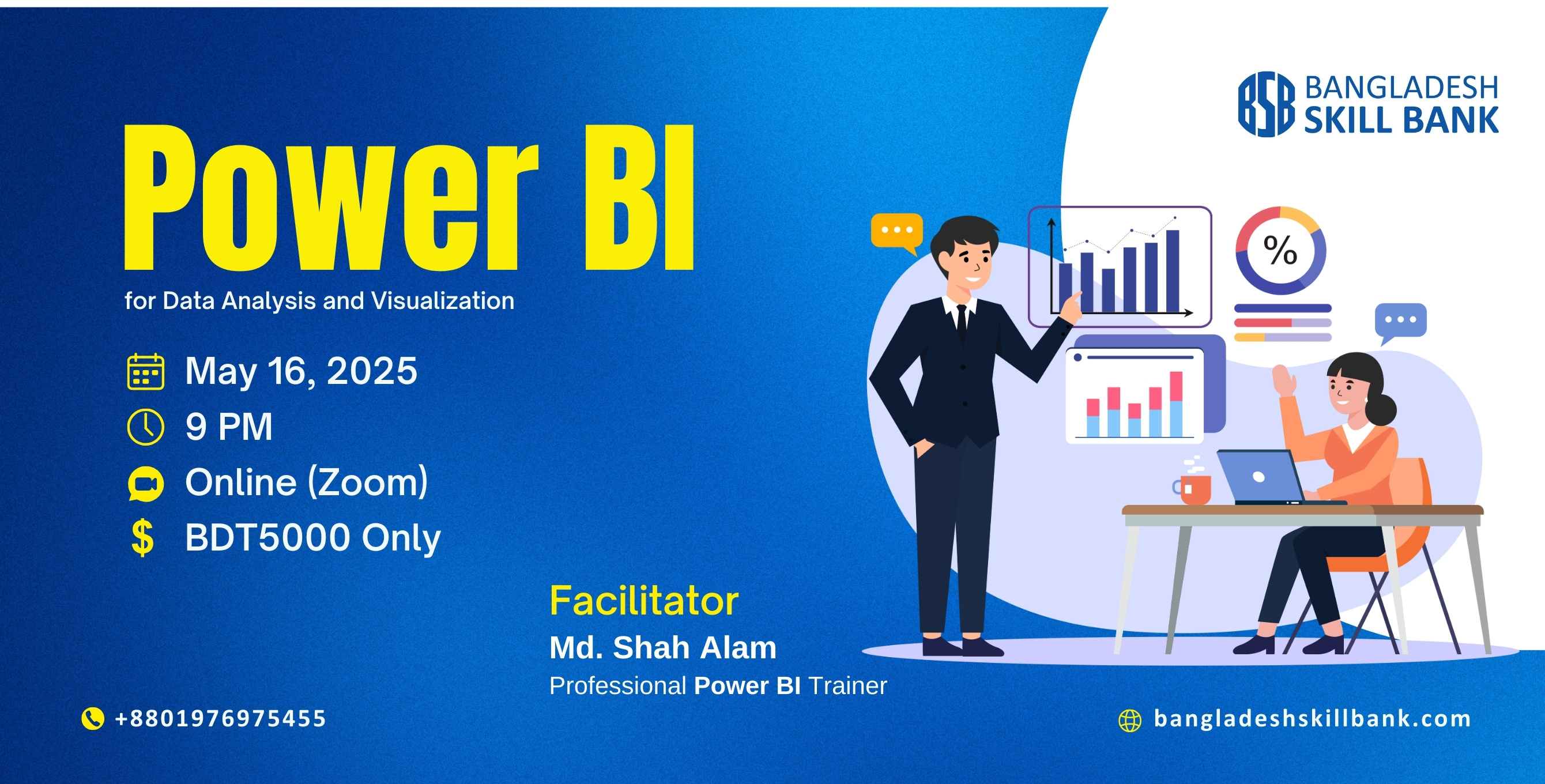
Cost: 5000.00 BDT
3500.00 BDT
Course Features
Lectures: 7
Duration: 14 hours
Skill Level: All
No curriculum available.
Section 1: Introduce with Microsoft Power BI
a. What is Power BI and Why is Power BI
b. Microsoft Excel vs Microsoft Power BI
c. Microsoft Power BI Licensing
d. Download and Installation of Power BI Software e. Power
BI Interface
f. Power BI Workflow
g. Data Connection
Section 2: Query Environment: Data Transformation & Preparation
a. Query View
b. Applied Steps. Difference between Close and Apply c.
Difference Between Transform and Add Column e. Merge Column: Transform and Add
Column
f. Reduce Row
g. Fill
h. Replace: Value & Error
i. Use First Row as Header and Vice-Versa
Section 3: Query Environment: Manage Text, Number and Column
a. Text Manipulation: Transform and Add Column
b. Number Calculation: Transform and Add Column c. Column
Management: Conditional Column, Index Column, Duplicate Column, Custom Column,
Column from Example d. Date and Time
Section 4: Query Environment: Combine, Data Reshaping, Grouping
a. Combine: Merge Queries and Append Queries. Load
Enabled b. Data Reshaping: Pivot Column vs Unpivot Column, Transpose,
Reverse Rows
c. Grouping: Group by Basic, Group by Advance, Group
Operations, Add Grouping and Aggregation
Section 5: Query Environment: M Language
a. What is M Language
b. Why M Language to be Used
c. Syntax of M Language
d. Objects of M Language
e. Application of M Language
Section 6: Data Modelling: Power Pivot
a. Understanding Table Relationship
b. One to Many, Many to Many, One to One Relationship c.
Fact Table land Dimension Table
d. What is Star Schema
e. M Language vs Dax
f. Dax Introduction
g. Calculated Column vs Measures
h. Analyzing Data
Section 7: Dax- Data Analysis Expression
a. Recap
b. Dax Measure Filter Context
c. More Calculation with Dax
d. More Analysis with Dax
Section 8: Report View: Power Visualization
a. Format Report Page
b. Create and Modify Different Types of Charts c. Create and
Modify Map
d. Create and Modify Table and Matrix
e. Apply Conditional Formatting
f. Create and Modify Card
g. Create and Modify Multi Row Card
h. Filter Concept of Card and Multi Row Card i. New Card in
Power BI
Section 9: Visual Enhancement for Storytelling
a. Report and Visual Theme
b. Tooltips and Interactions
c. Align Visuals Element
d. Filter Types
e. Drill Through
f. Slicer
g. Insert Elements: Text, Button, Shapes
h. Objects and Actions: Page Navigation, Bookmark, Drill
Through, Web URL
1. Project: HR Dashboard
2. Project: Sales Dashboard
3. Project: Loan Data
Project Submission for Self Evaluation